

What is industrial tool management software?
Industrial tool management software centralizes the items needed for production or interventions, from registration through use, maintenance, and retirement. It can cover cutting tools, inserts, milling cutters, drills, holders, molds, dies, punches, jigs, fixtures, and specialized equipment.
The system should answer four questions quickly: what do we have, where is it, is it available and usable, and when should it be maintained or replaced? Existing tool management solutions already structure tool data, inventory, location, consumption, maintenance, and movement between the tool store and production.
What is the difference between a tool, consumable, equipment, and measuring device?
A reusable tool, such as a tool holder, torque wrench, or jig, has its own identity and returns after use. A consumable, such as a carbide insert, is mainly managed by quantity. A mold or die often has a history, usage counter, and maintenance operations.
A measuring device, such as a caliper or dial indicator, may be stored in the same room, but calibration, metrological confirmation, and fitness-for-use status should remain managed by the appropriate metrology process. This distinction prevents tool inventory from being confused with measurement compliance.
What is a tool crib?
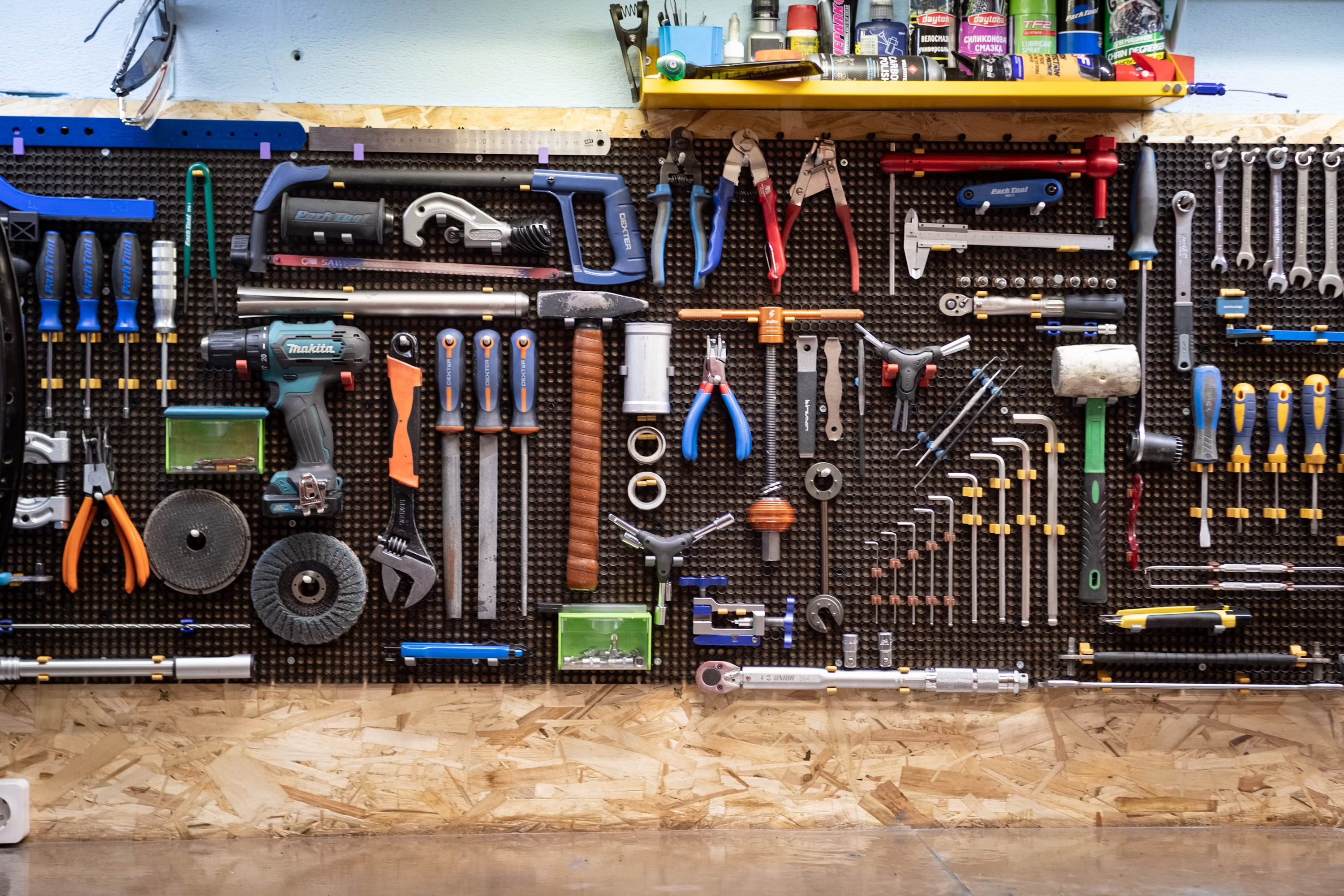
A tool crib is the area where tools, equipment, and consumables are stored and distributed to operators or machines. Its cycle resembles a library: available → checkout → operator, machine, or work order → use → return → inspection → available, maintenance, or scrap.
The software records the borrower, destination, date, return condition, and next action. ToolHound’s check-out/check-in model illustrates the value of recording each movement instead of manually correcting inventory at the end of the week.
How should each tool be identified?
Several technologies can coexist: barcode or QR code for a simple rollout, DataMatrix for small surfaces, RFID for selected contactless reads, and an internal identifier to keep the reference base consistent. Example: TOOL-000892.
ZOLLER documents the use of RFID, codes, and DataMatrix to identify tools and transfer tool data. The choice mainly depends on the physical environment, item cost, movement volume, and required robustness.
QR code or RFID: which should you choose?
A QR code or barcode is inexpensive, visual, and simple to deploy. RFID can speed up transactions or enable reads without direct line of sight, but it requires suitable tags and infrastructure. Multiple-item reading depends on the equipment and does not automatically make a store autonomous.
There is no need to put RFID on every low-cost drill. A mixed rollout can reserve RFID or smart cabinets for serialized tools, high-volume movement, or environments where optical scanning is too slow.
How should exact location be managed?
A simple status such as “in workshop” is often insufficient. The model can go down to site, workshop, store, cabinet, drawer, and position, or link a tool to a CNC machine and spindle position. A tool may also be with an operator, on a cart, at a subcontractor, being reground, or in transit.
Location should come from the last known transaction: checkout, assignment, transfer, return, or restock. It should not depend on a manually edited location with no history.
How should checkouts and returns be managed?
A movement can combine operator badge + tool scan + destination. For example: tool T-00482 is checked out by Alice Martin for work order 58291, on CNC-03, on September 9, 2026 at 08:32. On return, inspection can confirm condition, location, and next action.
A self-service kiosk can let operators check tools out and return them themselves. ToolHound documents this model with badge, barcode, or RFID, without removing authorization and accountability rules.
How should tools assigned to a work order be managed?
A work order may require a milling cutter, drill, tool holder, finishing tool, and dedicated gauge. The software checks availability, compatibility, and condition for every item before machine preparation or scheduling.
TDM Shopfloor Manager illustrates a chain from need to store checkout, assembly, presetting, machine use, and reconditioning or disassembly. A custom integration should preserve the responsibilities of the MES, tool store, and tool-management layer.
How should a tooling kit be prepared before production?
A tool list can become a kit with statuses such as “to prepare,” “in preparation,” “complete,” “assigned to machine,” “in use,” and “returned.” The team immediately sees whether a tool is missing or being reground before the machine is held up.
The kit can be linked to a work order, routing, machine, or product revision. Tools actually used remain distinct from tools that were only planned.
How should CNC tool assemblies be managed?
A complete tool can consist of an HSK63 holder, extension, cutter body, and insert. The software distinguishes the component, assembly, compatibility, geometry, supplier, cutting data, and, when needed, the 3D model.
ZOLLER describes support for components, assembly bills of material, drawings, and 3D models of complete tools. The reference base should avoid recreating the same combination manually in the CAM library, presetting system, and tool store.
ISO 13399: why does this standard matter?
ISO 13399 provides a structured representation of cutting-tool data and relationships. It facilitates exchange between suppliers, tool libraries, CAM, simulation, presetting, and machines without requiring one software product to replace the others.
ISO 13399-1:2006 covers the main data categories and general exchange model; ISO indicates that this version remains current after confirmation in 2021. The standard is mainly relevant to structured cutting-tool data exchange, not a general requirement for every type of industrial tooling.
How should tool data connect to CAM?
CAM, or Computer-Aided Manufacturing, prepares machining operations and CNC programs. A centralized library can provide geometry, dimensions, assembly, cutting parameters, and 3D model so tool data is entered or imported once and reused across the relevant systems.
Sandvik Coromant presents CoroPlus Tool Library as a tool-data library that can distribute data to manufacturing systems, including through ISO 13399, GTC, or STEP structures. Integration quality then depends on the formats and interfaces actually available.
What is the difference between STEP, ISO 13399, and GTC?
ISO 13399 describes and structures cutting-tool data. STEP refers to a family of standards for exchanging product data and models. GTC, or Generic Tool Catalog, is a vendor-neutral structure used to organize selected tool data around ISO 13399 concepts.
These concepts are not interchangeable. The project should specify whether it exchanges a tool record, geometry, assembly, 3D model, cutting parameters, or presetting data.
How should the right data be sent to the CNC?
After preparation or presetting, selected values can be sent to the machine: length, diameter, offsets, and tool identifier. The goal is to avoid measurement device → paper note → manual CNC entry.
ZOLLER documents DataMatrix and data-interface transfers to machine controls. For critical values, the system must still provide checking, approval, traceability, and exception handling; sensitive data should not be sent automatically without controls suited to the context.
How should tool life be tracked?
Tool life can be tracked in cutting minutes, parts produced, cycles, hits, meters machined, consumption, or a value supplied by the machine. A milling cutter may have a target life of 240 minutes, 192 minutes used, and 48 minutes of estimated remaining life.
The system can then avoid assigning an almost-worn tool to a batch that still needs two hours of machining. The value remains an estimate that depends on process, material, load, and machine-data quality.
Theoretical or actual tool life: what should be retained?
You should distinguish target life, defined from experience, supplier data, or process; actual use, accumulated by the tool; and actual condition, confirmed by inspection or measurement. A tool may exceed its theoretical limit and remain usable, or fail early because of a process issue.
The software should retain all three rather than replacing observed condition with one counter. Blocking, inspection, and authorization rules should remain explicit.
How should regrinding and reconditioning be managed?
A cutting tool can follow the cycle new → used → to regrind → at supplier → returned → checked → available. The system retains regrind count, date, supplier, cost, post-regrind geometry, and reuse limit.
ZOLLER cites regrinding planning and tool-life use among tool-management use cases. In a custom project, regrinding should remain linked to the tool identity rather than becoming a new reference with no history.
How should molds and dies be managed?
For a mold, the relevant counter may be cycles since the last maintenance rather than cutting time. The record retains location, compatible machine, manufactured product, cycles, repairs, replaced inserts, defects, and change history.
Tool-management solutions often cover molds, dies, jigs, and fixtures through the same principles: identity, location, condition, use, maintenance, and availability. The model should still let each family define its own counters and rules.
How should jigs and fixtures be managed?
A jig or fixture, a setup dedicated to an operation, can have a revision and product compatibility. For example, fixture F-103 revision C may be compatible with products X v4 and X v5, but not necessarily with v6.
The software links product → routing → operation → authorized tooling → revision. This prevents obsolete fixtures from being used without duplicating the rules in every work order.
How should tooling maintenance be managed?
Triggers can be calendar-based, usage-based, inspection-based, or event-based, such as a breakage or quality defect. Tool-management software can create or enrich a request, but the CMMS remains responsible for the intervention, resources, report, and closeout.
The useful boundary is clear: tool management owns identity, availability, and lifecycle; the CMMS owns maintenance work. Integration avoids maintaining two competing histories.
How should lost, broken, or scrapped tools be managed?
Removal from the active pool should retain a reason: lost, broken, scrapped, obsolete, or returned to supplier. Predator Tracker, for example, documents tracking lost, broken, or scrapped tools and fixtures alongside inventory and tool life.
This information helps explain what is actually consumed and why, instead of comparing only tools purchased with theoretical inventory value.
How can tool stockouts be avoided?
For consumables and components, the system can compare current stock, minimum, open orders, and upcoming demand. With 17 pieces in stock, a minimum of 20, and no open order, it can suggest replenishment; the suggestion should remain subject to purchasing rules.
ZOLLER highlights combining inventory data with production demand to support purchasing and replenishment. A good integration distinguishes physical availability, reservation, open order, and usable stock.
Minimum stock or demand forecast?
Min/max is useful for stable references, but not enough when production changes. A projection can calculate current stock + expected orders − future work-order demand = projected stock, with explicit period and assumptions.
If future demand is unreliable or unavailable, the system should say so instead of presenting a forecast as certainty. Availability should remain recalculable from known movements and reservations.
How should tooling cost be tracked by product?
A tool can be assigned to a work order, product, machine, line, customer, or project. Cost can combine purchase + regrinding + repairs + consumables − any residual value, then be reported per produced part.
This view is more useful than inventory value alone: it reveals which processes, products, suppliers, or machines actually consume the most tooling.
How should underused tools be identified?
The system can highlight a €2,800 tool used twice, with the last use 14 months ago. Across a tool base, this analysis identifies duplicates, unnecessary references, overstock, possible site transfers, and purchases to avoid.
Underuse alone is not enough to decide on scrapping: future compatibility, safety, criticality, supplier lead time, and industrial strategy also matter.
How should multiple sites be managed?
A shared reference base can show Lyon: 0 available, Grenoble: 4 available, and Nantes: 2 available before triggering a purchase. It must also manage ownership, location, transit, reservations, local rules, and machine compatibility.
The multi-site model should distinguish transferable stock, reserved stock, tools in transit, and unavailable tools. Access rights can vary without creating a separate database for every plant.
How should tooling connect to ERP, CMMS, and MES?
The ERP remains authoritative for items, suppliers, prices, and orders. The MES owns work orders, operations, and machines. CAM owns assemblies and technical data; presetting and CNC own geometry and offsets; the CMMS owns maintenance and repair.
Tool-management software coordinates identity, location, availability, inventory, and lifecycle. The goal is one source of truth per data domain, not six manually synchronized Excel files.
Can smart cabinets be used?
Yes. A smart cabinet can control access to tools: the operator identifies themselves, removes an item, and the transaction is recorded. ToolHound offers kiosks with barcode or RFID readers; ZOLLER also combines software and cabinets in its tool-management offering.
Hardware is not an end in itself. It must connect to the reference base, permissions, reservations, returns, maintenance, and the degraded mode planned for cabinet or network downtime.
How should measuring devices stored in the same room be managed?
Measuring devices can appear in the same reference base for location, reservation, or checkout. However, intervals, calibration, uncertainty, certificates, and metrology status should be managed in the metrology system.
Tool-management software can keep a link to the metrology record without duplicating compliance results and decisions. This separation protects data quality and avoids cannibalizing metrology software.
ISO 13399 in 2026: what is actually current?
ISO 13399-1:2006 remains published and current after confirmation in 2021. ISO/TS 13399-3:2021, the reference dictionary for tool items, was reviewed and confirmed in 2025. ISO/TS 13399-70:2016 covers graphical organization of components and assemblies; its ISO record indicates confirmation in 2023.
The ISO/TS 13399-150:2008 record, covering usage guidelines for the series, remains published. The project should not claim that software must be ISO 13399 compliant: the series is mainly a basis for structured exchange of cutting-tool data.
Can AI be used for tool management?
AI can assist demand forecasting, abnormal-consumption detection, description-based search, classification, recurring-breakage detection, identification of rarely used tools, and maintenance preparation based on usage.
Critical rules should remain deterministic: machine compatibility, usage authorization, blocking condition, available quantity, and transfer of data to a CNC. AI can suggest or explain; it should not authorize an incompatible or potentially unsafe tool on its own.
Which tooling KPIs should be tracked?
Useful indicators include tool availability, the share of required tools available at the right time; stockout rate, shortages that delay an operation; tool utilization, usage frequency; tool life, actual life or cycles; tool cost per part; lost or broken rate; inventory value; regrinding rate; and overdue maintenance.
These KPIs should be analyzed by machine, tool, product, supplier, and workshop. A 100% availability rate achieved by overstocking unused tools is not necessarily good performance.
ZOLLER, TDM, ToolHound, or custom software?
ZOLLER TMS/WebTMS is strongly oriented toward manufacturing and cutting tools: components, assemblies, inventory, cabinets, presetting, CAM, and CNC. TDM Systems focuses on Tool Lifecycle Management, with tool data, preparation, presetting, and manufacturing-system connections. ToolHound is more focused on tool stores, checkouts, barcode/RFID, maintenance, and multi-site inventory.
Sandvik CoroPlus Tool Library is more focused on cutting-tool data, assemblies, ISO 13399, and CAM integration. An existing product is often preferable when it fits the need. Custom software becomes relevant for highly specific tooling, several object types, legacy ERP/MES, existing hardware, or a workflow integrated into a broader business application.
A fit-gap, a documented comparison between real workflows and standard coverage, should precede any development decision.
How much does industrial tool management software cost?
Main factors include the number of tools, sites, and families, serialization, QR/RFID, kiosks or cabinets, consumable inventory, CNC tools, CAM, presetting, ERP/MES, CMMS, maintenance, file migration, and any physical hardware.
Three levels should be distinguished: inventory with location and check-in/check-out; tool crib with stock, consumables, replenishment, and maintenance; and Tool Lifecycle Management with CAM, CNC, assemblies, tool life, work orders, presetting, and multi-site operations. These scopes do not have comparable budgets.
How would Koragence structure the project?
Scoping starts with a real store inventory and typical movements: operator checkout, tool assigned to a machine, consumed tool, tool sent for regrinding, transferred mold, and lost tool. The goal is to understand actual rules, not only columns in a file.
We then separate consumables, serialized tools, assemblies, production tooling, and measuring devices. A first scope can cover location → check-in/check-out → inventory → tool life, before progressively integrating ERP, CAM, CMMS, MES, or automated storage equipment.


